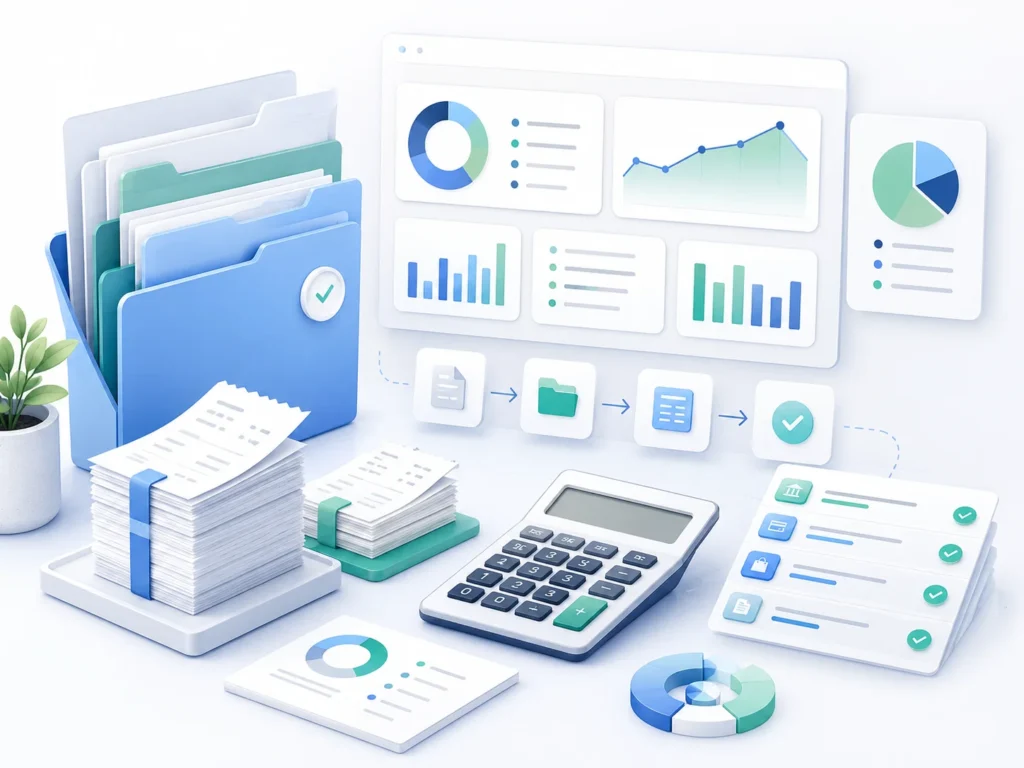
Learning how to organize business expenses and records is one of the most useful habits a small business owner can build. Organized records can reduce tax-season cleanup. They help you support the deductions you earned. And they give you a clear picture of how your business is doing.
This guide walks through a simple system for 2026. We cover how to separate business and personal money, how to handle receipts, how to categorize expenses, which records the IRS wants, and how long to keep them. None of it is complicated. It just takes a routine you can stick with.
Here is the payoff. When your records are organized, tax season stops being a search party. Your deductions are ready to support. Your reports actually mean something. And if a lender or the IRS ever asks for proof, you have it on hand. The work stays small when you spread it across the year instead of cramming it into April.
Separate Business and Personal Finances

The first step is to keep business and personal money apart. This habit prevents many common recordkeeping problems before they start.
- Open a business bank account. Run all business income and spending through it, not through your personal account.
- Use a dedicated business card. Keep personal purchases off it. One card for the business keeps the trail clean.
- Pay yourself on purpose. How you take money out depends on your entity type. Record owner pay correctly for a sole proprietorship, partnership, or corporation, since the rules differ for each.
Why does this matter so much? Mixed accounts make every later step harder. You end up sorting personal and business charges from memory, which is slow and easy to get wrong. Separate accounts give you cleaner books, easier deductions, and less stress if the IRS ever asks a question. For some business types, keeping funds separate can also help support your liability protection.
Bank requirements vary. Depending on your entity type, a bank may ask for an EIN, formation documents, an assumed-name certificate, ownership information, and government-issued identification. Sole proprietors can sometimes use their own tax number, but a dedicated account is still worth it for clean records.
What if a personal charge lands on the business card? Do not classify it as a business expense. Record it according to your entity type and repay the business promptly. Ask your bookkeeper how to treat the transaction if you operate a partnership or corporation.
Build a System for Receipts
Receipts are proof. Without them, a deduction is hard to defend. The trick is to capture each one at the moment of purchase, before it gets lost in a pocket or an inbox.
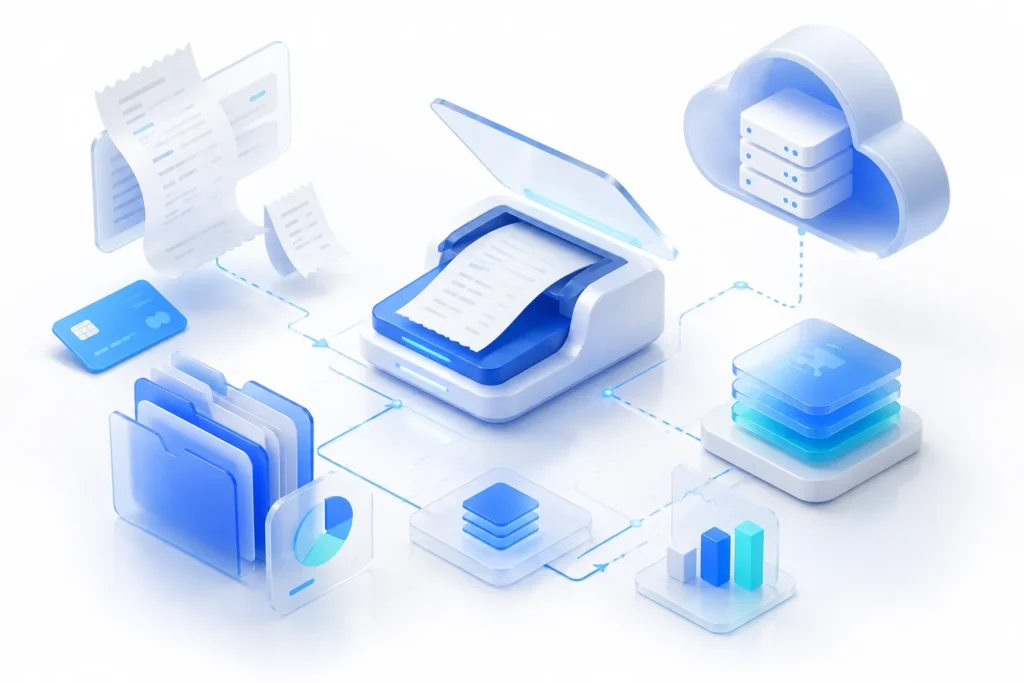
You can go digital or paper. Digital is easier to keep and search. Snap a photo of each receipt, or use an app that stores them for you. The IRS permits electronic business records. A receipt photo can work when it captures the complete document, remains readable, is stored securely, and can be produced if requested.
For each receipt, capture a few details: the date, the vendor, the amount, and the business purpose. Each detail matters, because the records should show who was paid, how much was paid, when the cost occurred, and what was purchased for the business. A quick note such as “client meeting with Maria about the website project” helps document the business purpose. The note does not automatically make the cost deductible, but it gives your preparer the context needed to review it.
It helps to know the difference between a receipt and a bank statement. A bank or card statement shows that a charge happened. A receipt shows what you actually bought. For many expenses you want both, since the statement proves payment and the receipt proves the business purpose.
One caution with digital receipts: make sure they stay readable over time. Thermal paper fades, so photograph receipts soon after purchase. Store the images in a dated, labeled folder or an app that keeps them searchable. A receipt you cannot read is not much better than one you lost.
Organize as you go. Sort receipts by month or by category so you are not facing a shoebox in the spring. A simple folder system, digital or physical, is enough. The point is that you can find any record in under a minute when you need it.
Do not forget mileage. If you drive for business, keep a log with the date, destination, miles, and business purpose. For 2026, the business mileage rate is 72.5 cents per mile through June 30 and 76 cents per mile from July 1 through December 31. A log is what turns those miles into a deduction you can support.
Categorize Your Expenses
Once money is flowing through one account, sort it into categories. Categories are how a pile of transactions becomes a useful report.
Set up a chart of accounts, which is just your list of categories. Common ones include supplies, rent, utilities, advertising, software, insurance, and professional fees. Build the list once, keep it simple, and use the same categories every month.
Clear categories help your preparer match each expense to the correct tax treatment, though year-end adjustments may still be needed. Consistent categories also make your reports comparable from one month to the next, so you can spot trends early.
Some costs are part business and part personal. A home office, a personal vehicle, or a cell phone are common examples. These need extra care, because only the business share is deductible. The IRS has specific rules for the home office deduction, so track the business portion and keep the math behind it.
One more distinction matters: some purchases are expenses, and some are assets. A box of printer paper is an expense you use up quickly. A large machine or a computer often counts as an asset that lasts for years and is depreciated over time. Your preparer will handle the exact tax treatment, but your records should flag larger purchases so nothing gets miscategorized.
Resist the urge to create a category for everything. Too many categories are as messy as too few. Aim for a list that maps to how you actually spend and how your return is organized. If you are unsure, a bookkeeper can set it up once so it works all year.
Keep the Records the IRS Wants
Good records do more than support deductions. They support the whole return. The IRS expects you to keep records that show your income and your expenses.
In general, your records should cover a few areas:
- Gross receipts. The income your business takes in.
- Purchases and expenses. What you spend to run and stock the business.
- Assets. Equipment and property you buy, which affect depreciation.
- Employment taxes. If you have staff, the payroll records that go with them.
Supporting documents include invoices, receipts, bank and card statements, canceled checks, and the tax forms you send or receive. The IRS lists the kinds of records to keep for a small business.
Contractor payments are part of this too. If, in the course of your business, you paid a nonemployee $2,000 or more for services during 2026, you generally may need to file a Form 1099-NEC. Payee and payment-method exceptions can apply, so review each contractor before filing.
Remember that the burden of proof is on you. If you claim a deduction, you should be able to show the record behind it. The IRS explains the rules for deducting business expenses. Electronic records are fine, as long as they are complete and readable.
Organized records also help when an IRS notice arrives. If a question comes up about a number on your return, you can point to the record behind it instead of scrambling. Organized support can make it easier to respond accurately to a notice.
If you make taxable sales, track sales tax separately from business revenue. Many Allen businesses, from retail shops to restaurants, collect Texas sales tax as part of everyday sales. Report and remit the tax to the Texas Comptroller when required. For marketplace sales, confirm whether the marketplace provider collects and remits the tax on your behalf.
Know the Retention Rules
How long should you keep all this? It depends on the record. The IRS sets periods based on what each record is for.
- Income-tax records: keep for at least three years in most cases.
- Employment-tax records: keep for at least four years.
- Certain claims: keep up to seven years, such as records tied to a bad-debt deduction or a loss from worthless securities.
- Property records: keep until the applicable period after you sell or dispose of the property, since they affect depreciation and any gain or loss.
Longer periods can apply. Keep records for six years if a return omits more than 25% of gross income. Records may need to be kept indefinitely when no return was filed or a fraudulent return was filed.
These periods are tied to the time the IRS has to review a return, called the period of limitations. When you are unsure, keep the record longer. Storage is cheap, and a missing record is not. It is also wise to keep copies of the returns themselves for the long term. The IRS has full guidance on how long to keep records.
A few records are worth keeping for good. Copies of your filed tax returns, your formation documents, and major contracts take little space and can answer questions years later. Keep them somewhere you will not lose track of them.
When a retention period is up, dispose of records safely. Shred paper documents, and delete digital files in a way that protects any personal or financial details. For anything you keep, hold at least one backup in a separate place, so a lost laptop does not take your history with it.

Tools and Help
You do not need expensive tools to stay organized. You need a system you will actually use.
For a very small business, a well-built spreadsheet can work. As you grow, bookkeeping software can save time by importing bank activity and suggesting categories. Review those suggestions regularly, because transfers, loan payments, owner transactions, and unusual purchases can be classified incorrectly. Whatever you choose, the routine matters more than the tool. Set a regular time each week or month to update and review your records.
If you pick software, look for a few basics: a bank connection, easy categorization, receipt capture, and simple reports. You do not need every feature. You need the ones you will use each month. And whatever you use, reconcile it against your statements so your records match reality.
A simple monthly routine keeps everything current:
- Import or enter the month’s transactions.
- Categorize anything that is not sorted yet.
- Match receipts to your larger expenses.
- Reconcile against your bank and card statements.
Following this routine each month can greatly reduce year-end cleanup. The records are already in good shape when your return is due.
There are moments when outside help is worth it. If you add employees, take on payroll, fall behind, or simply want your evenings back, a bookkeeper can take this off your plate. Keeping your books and your taxes with one team also helps, since the same records feed your return.
Want the bigger picture? Our small business bookkeeping guide ties these habits together into a full system you can follow all year.

Get Your Records and Taxes in Sync
At Tax by Lonestar, we help small businesses across Allen and North Texas keep their books and records in order. We offer bookkeeping services and tax preparation, so your records and your return stay in sync all year.
Book a free bookkeeping consultation and let’s set up a system that fits your business. Schedule your consult.
This guide is general information, not tax or accounting advice. Rules change and depend on your situation. Please talk to a qualified professional about your business before you act.